You should not need a complicated app just to find something to watch. A good IPTV player makes your channels easy to browse and works properly with your remote. Before comparing premium features, check two things: does it run on your device, and can it open the content source you already have?
Start with your exact device
An app designed for a phone may be awkward to operate with a television remote. Check the developer’s official listing for your operating system, supported models and any minimum version requirements. Similar app names do not always mean the same developer or product.
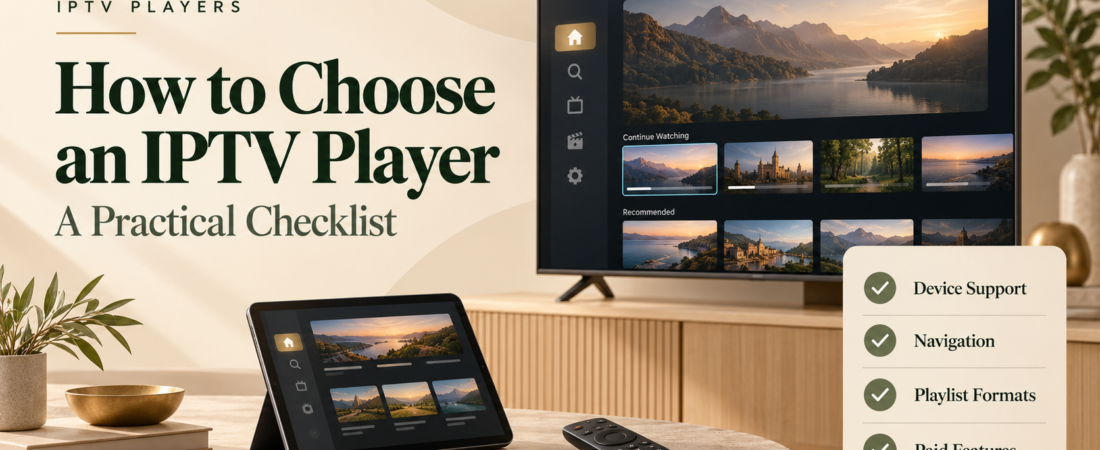
Use this comparison checklist
| Check | Question to ask | Why it matters |
|---|---|---|
| Device support | Is my exact platform supported? | Avoids paying for an incompatible licence |
| Input format | Can I add my service’s supplied account or playlist? | Not every player accepts every format |
| Navigation | Can I browse easily using my remote? | Daily usability matters more than a long feature list |
| Programme guide | Can I add the guide my service supplies? | Guide support and guide data are separate |
| Paid features | Which features need a separate purchase? | The free version may have limits |
| Support | Are documentation and developer contact details available? | Gives you a route to resolve problems |
Try normal viewing tasks first
If there is a free version or trial, spend a few minutes doing the things you do every evening. Add a few favourites. Open the guide. Find a programme and turn subtitles on, if available. Then sit back on the sofa and try again with the remote. An interface that looks good up close can still be difficult to read across the room.
Before buying recording or multi-view features, verify the app’s requirements. Storage, hardware and the number of connections allowed by your service may affect what you can use. The presence of a button does not guarantee that your setup supports it.
Protect your account details
Use a verified installation source. Avoid sending full playlist URLs, passwords or account screens to public support groups. When asking for help, share the device model, app version and error message with private details removed.
Understand what you are paying for
A player payment generally covers the software features described by its developer. Check whether the charge is recurring, how many devices it covers, and whether a purchase transfers between platforms. Do not treat an app purchase as proof that channels are included.
Frequently asked questions
Is a paid player always better?
No. It is worth paying only when the supported features solve a need in your setup. A simple interface can be enough if you mainly watch a favourites list.
Should I install several players?
You can compare compatible options, but keep track of subscriptions and remove apps you no longer use. Change one part of the setup at a time when troubleshooting.
Still choosing a content provider? Our IPTV service buying guide covers that side of the setup. If the app you want will not run on your device, check the hardware checklist before spending money on a replacement.