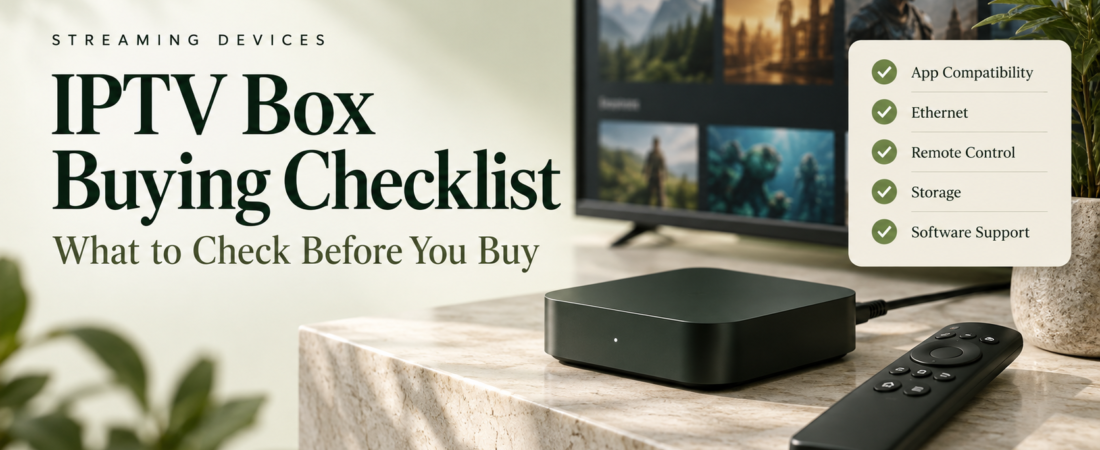
It is easy to get caught up in RAM, storage and 4K labels when shopping for a TV box. Start with a simpler question: what can your current setup not do? If your television already runs the apps you need, you may not need another device. If it does not, write down the missing features before comparing boxes.
1. Confirm app compatibility
Check both the device maker’s documentation and the app developer’s supported-platform list. The label “Android” alone is not enough to establish that every television app is available or that the remote experience will be suitable. Check the exact model, not just the brand.
2. Plan the network connection
Picture where the box will actually sit. Is the router beside the TV or on another floor? If you can use a cable, check for an Ethernet port or a supported adapter. A wired connection can help with local Wi-Fi problems, but it will not repair a problem at the service supplying the video.
3. Match the box to your screen
Resolution and HDR labels describe only part of the picture. Check the formats supported by your television, the streaming app and the content source. A 4K-capable box cannot turn every programme into native 4K video. Follow the manufacturers’ guidance for HDMI cables and display settings.
A quick comparison sheet
| Priority | Check before buying |
|---|---|
| Apps | Exact operating system and official app availability |
| Connection | Wi-Fi placement, Ethernet port and supported adapters |
| Remote | Navigation, volume control and accessibility needs |
| Storage | Usable space and supported external storage |
| Updates | Published update policy and support documentation |
| Returns | Seller, warranty terms and return window |
4. Check storage and everyday controls
If recording is important, confirm that your app and service permit it, then check storage compatibility and available capacity. If you only stream live content, a comfortable remote and stable app may be more useful than extra storage.
Consider who will use the television. Clear buttons, readable menus and a straightforward home screen are worth checking before purchase. Look for accessibility information if you need captions, screen reading or other assistance.
5. Look beyond launch-day specifications
Find the manufacturer’s support page, update information and setup guide. Compare the total cost, including any required adapter, player licence or replacement remote. Keep your receipt and test the intended apps during the seller’s return window.
Frequently asked questions
Does a TV box include an IPTV service?
Not necessarily. Confirm exactly what the seller includes and who supplies any advertised content. Hardware, software licences and viewing services can be separate.
Should I replace a device that already works?
Only if you can identify a real limitation, such as an unsupported app, missing connection or unreliable hardware. First check whether a setup adjustment solves the problem.
Before you buy, check the player you plan to use and the service you want to watch. Choosing those first makes it much easier to tell which hardware features are worth paying for.